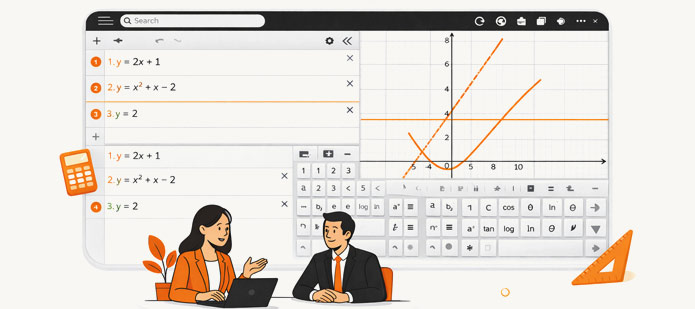
Desmos Tricks!

Eight Essential Desmos Features for SAT Math

Leverage Desmos effectively to maximize accuracy and efficiency.

The Desmos calculator plays a critical role in the Digital SAT Math section. When used strategically, it can significantly reduce solving time, eliminate algebraic complexity, and minimize calculation errors.

Below are eight key Desmos features that frequently apply to SAT-style problems. Mastering these techniques will help you approach questions with greater confidence and precision.

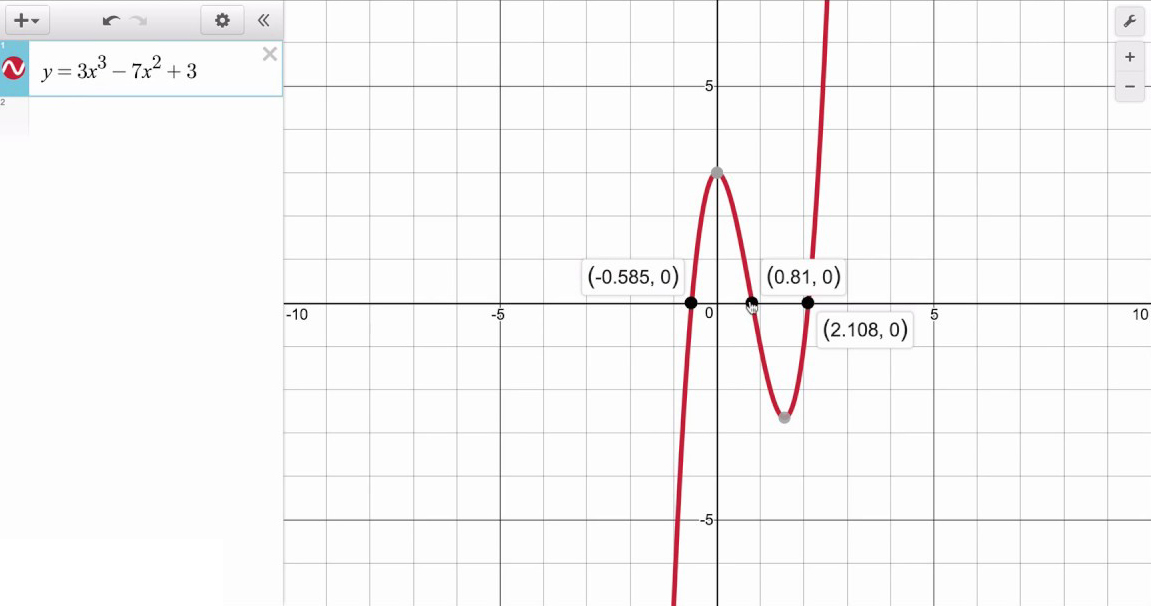
#1 Solving One-Variable Equations

  • Enter the left-hand and right-hand sides as separate equations.
  • Identify intersection points to determine solutions.
  • Ensure the variable is written as x.
Solving equations using Desmos

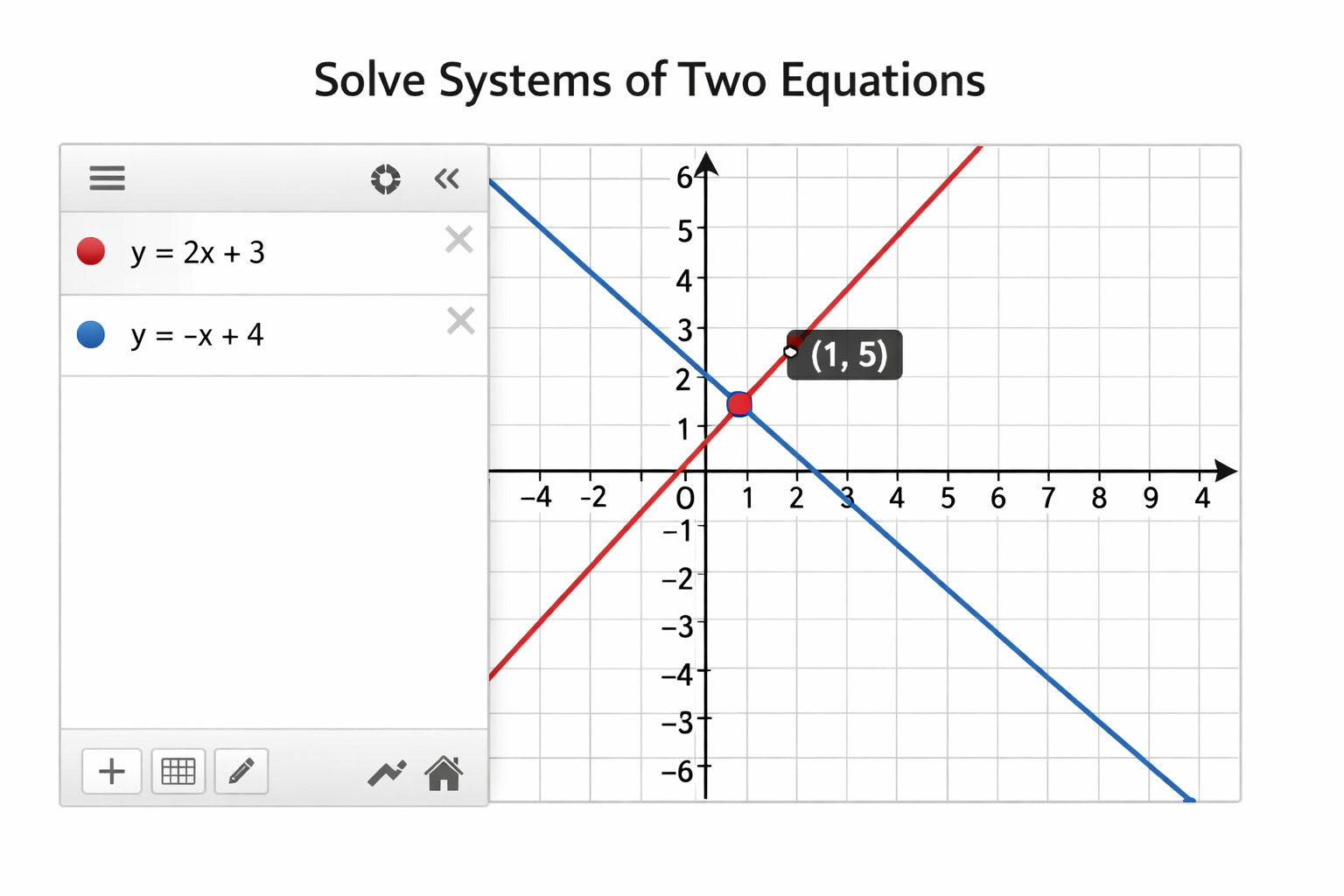
#2 Solving Systems of Two Equations

  • Graph each equation individually
  • Use the intersection to identify the solution pair.
  • This method avoids lengthy algebraic steps.
Solving equations using Desmos

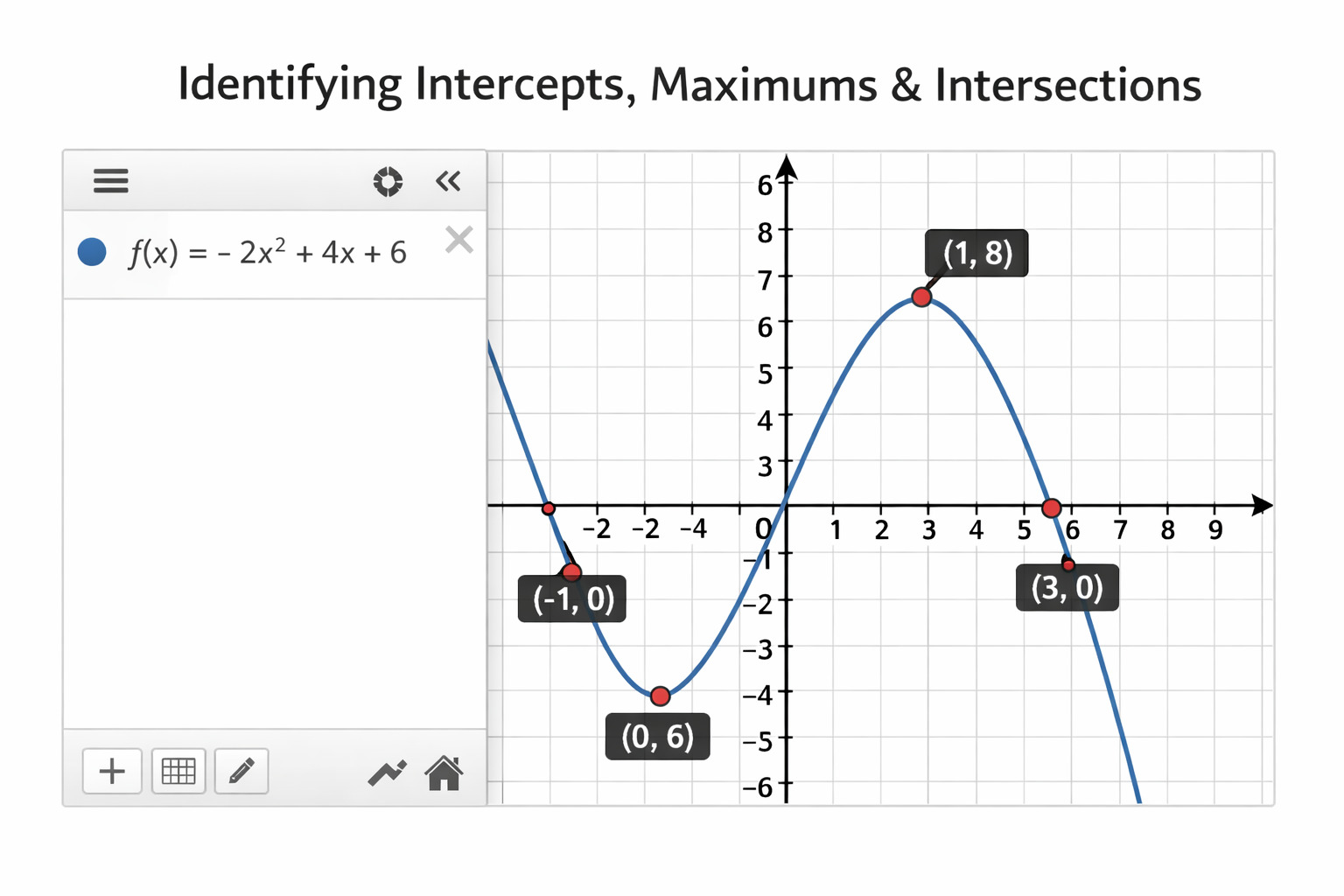
#3 Identifying Intercepts, Maximums & Intersections

  • Desmos automatically highlights key graph points.
  • Clicking on these points reveals exact coordinates.
Solving equations using Desmos

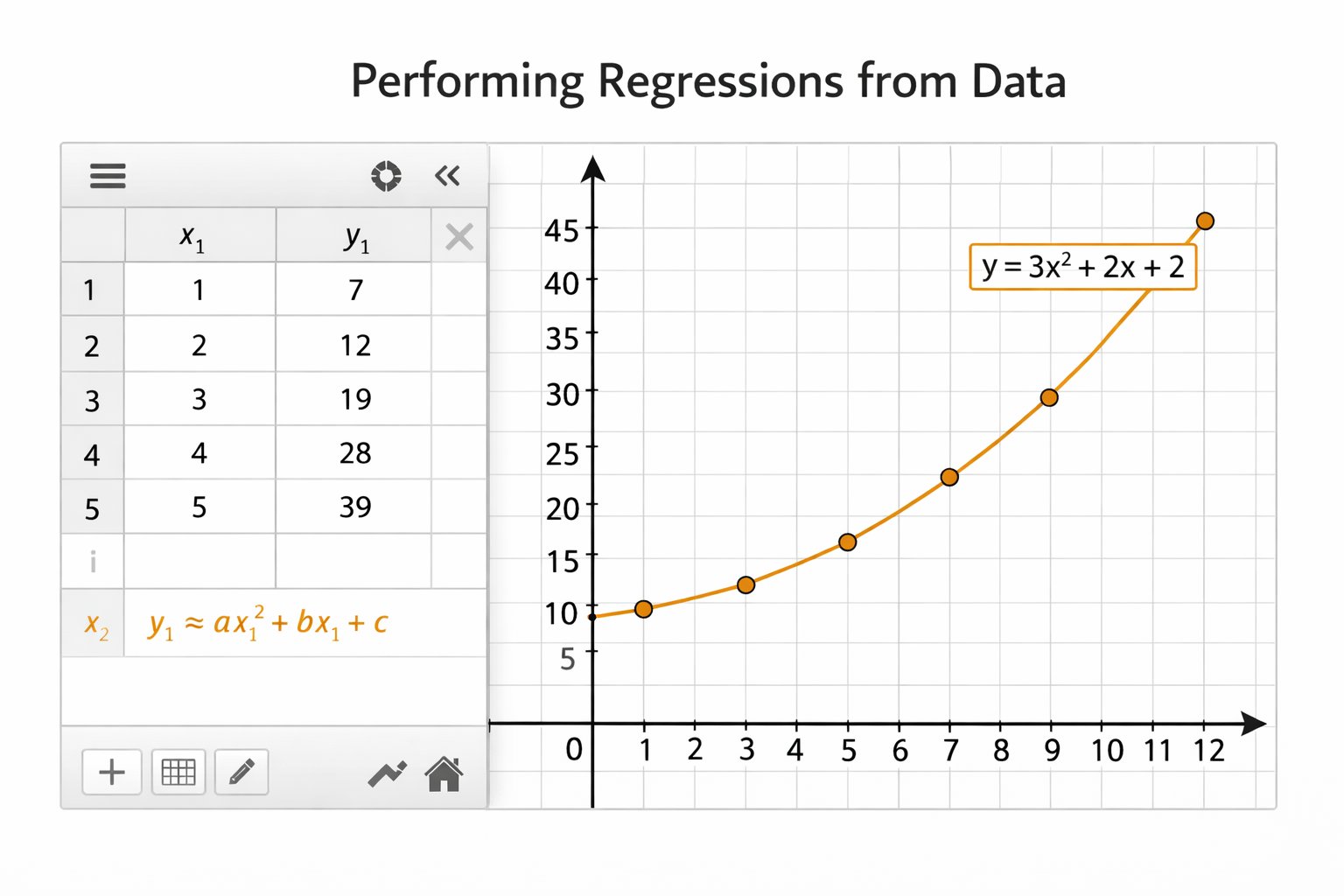
#4 Performing Regressions from Data

  • Input values into a table.
  • Apply linear, quadratic, or exponential regression.
  • Interpret the resulting equation for modeling.
Solving equations using Desmos

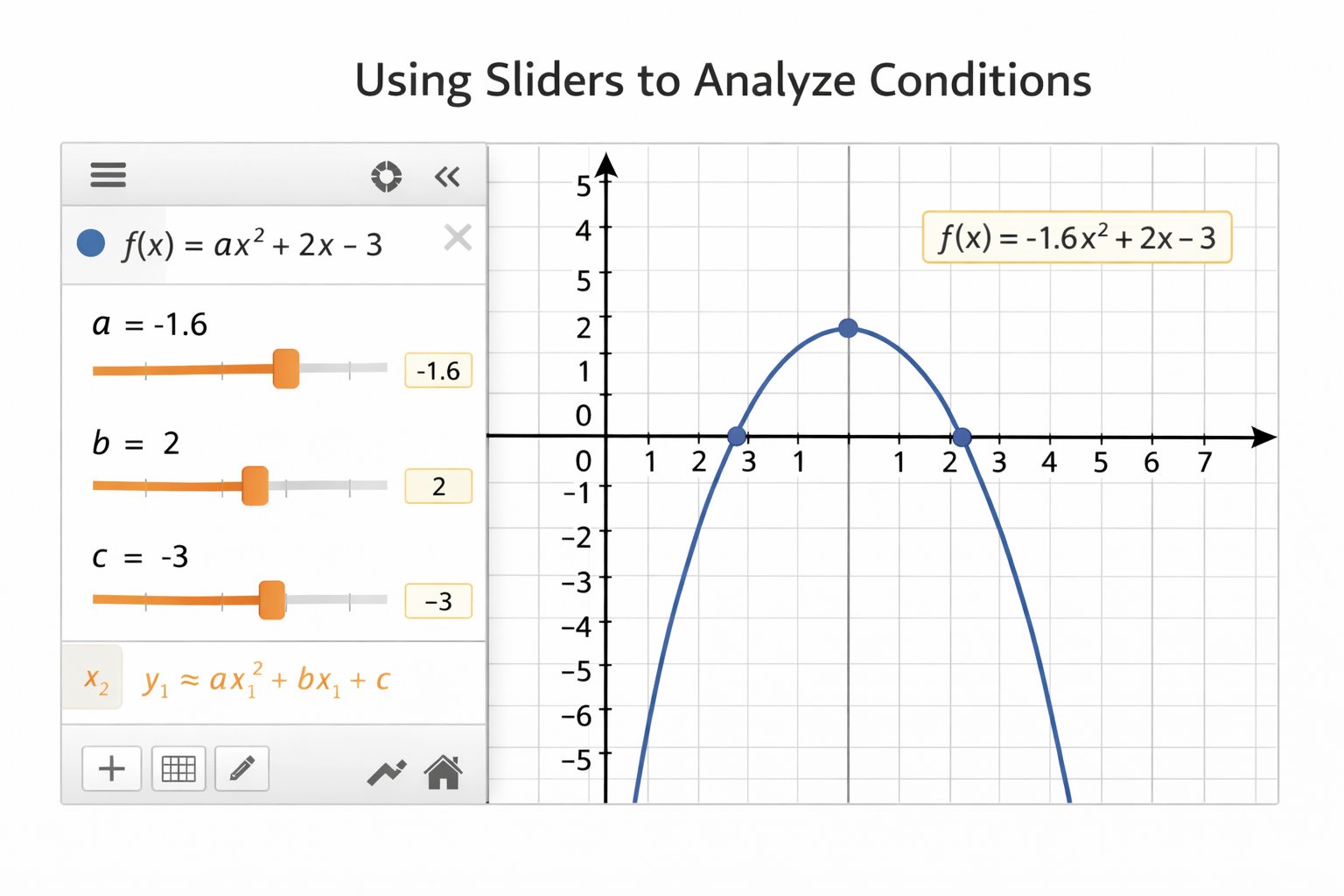
#5 Using Sliders to Analyze Conditions

  • Introduce sliders for unknown constants.
  • Adjust values dynamically to satisfy conditions.
Solving equations using Desmos

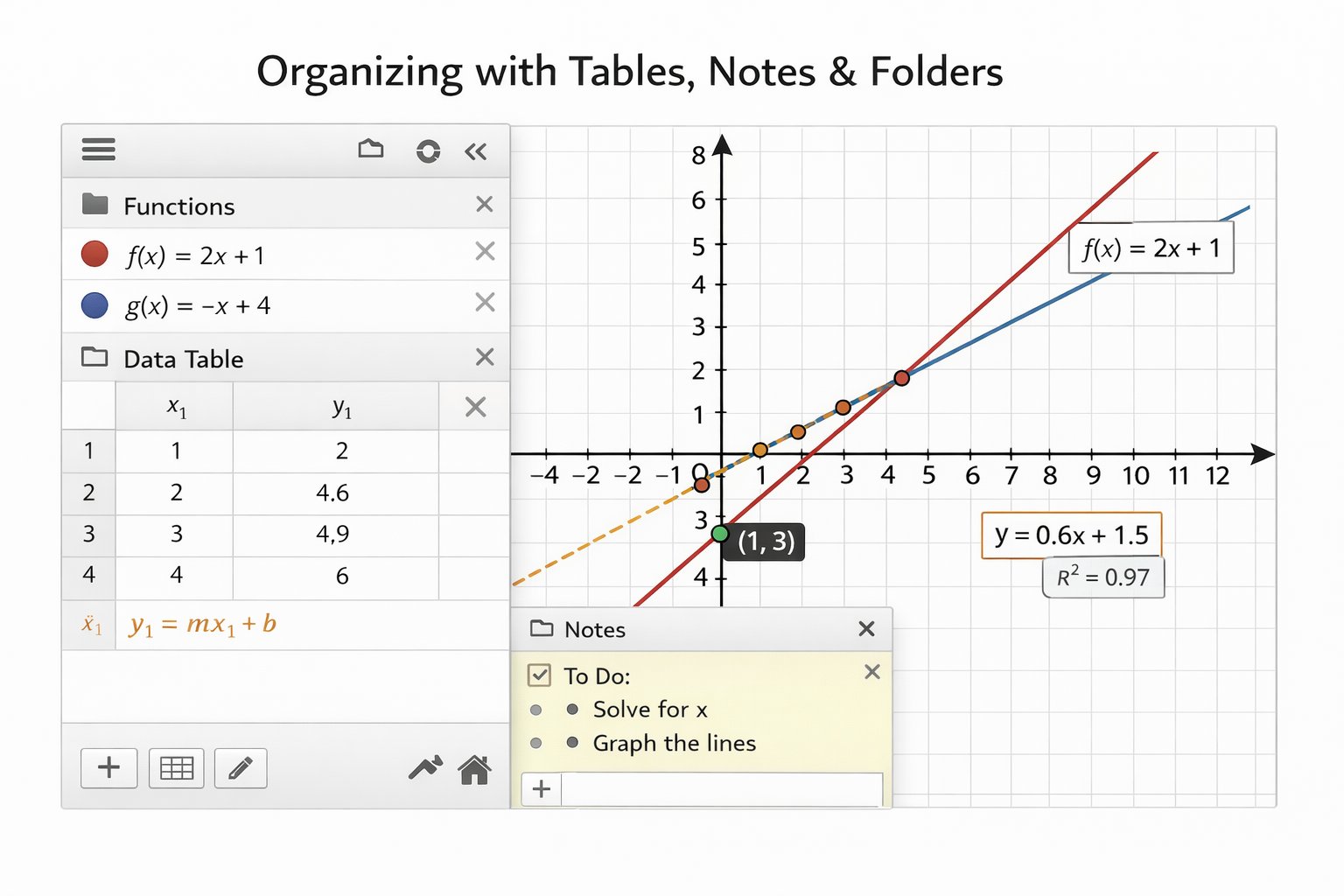
#6 Organizing with Tables, Notes & Folders

  • Structure expressions and data clearly.
  • Use notes to track reasoning.
Solving equations using Desmos

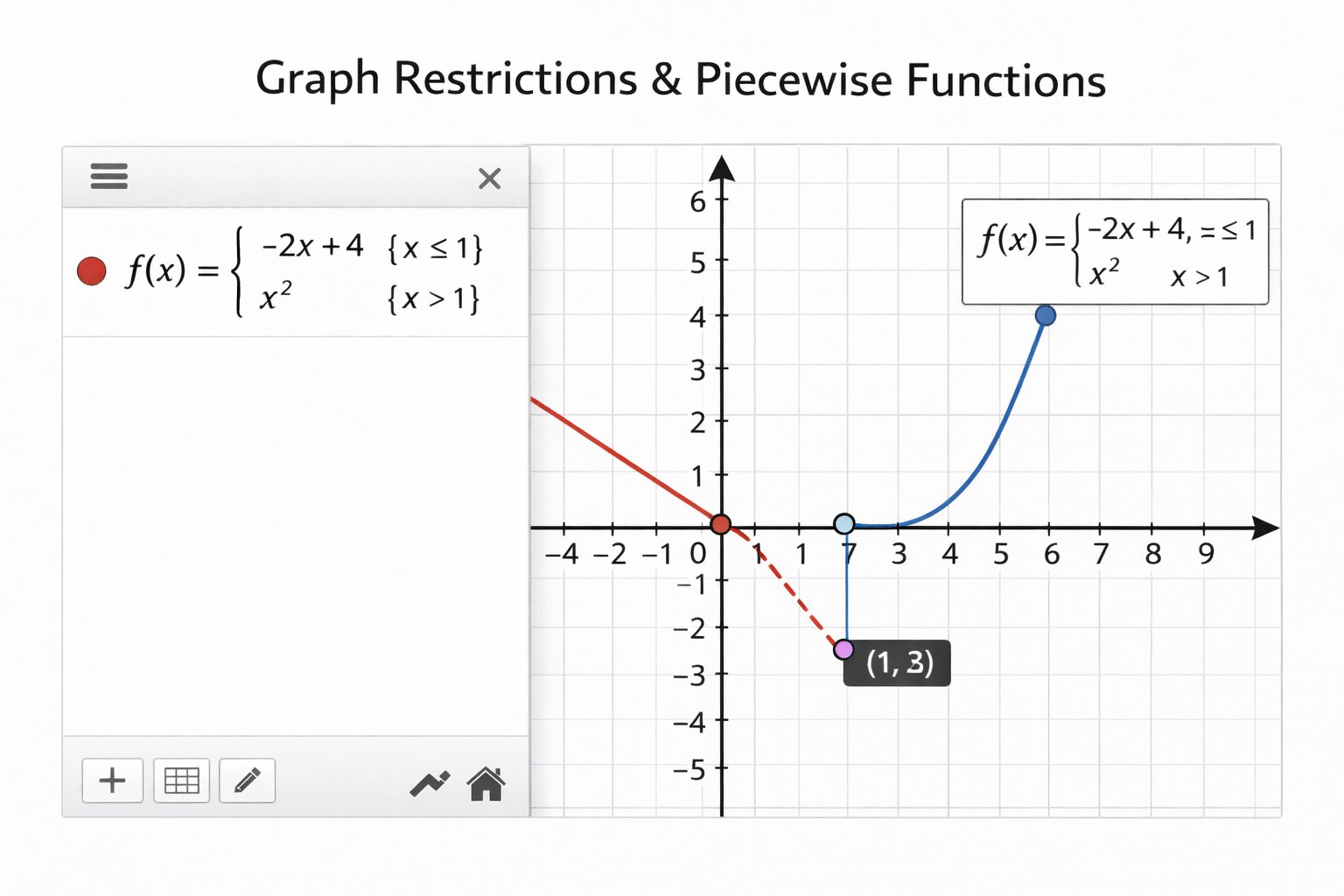
#7 Graph Restrictions & Piecewise Functions

  • Apply domain restrictions effectively.
  • Use piecewise definitions to model scenarios.
Solving equations using Desmos

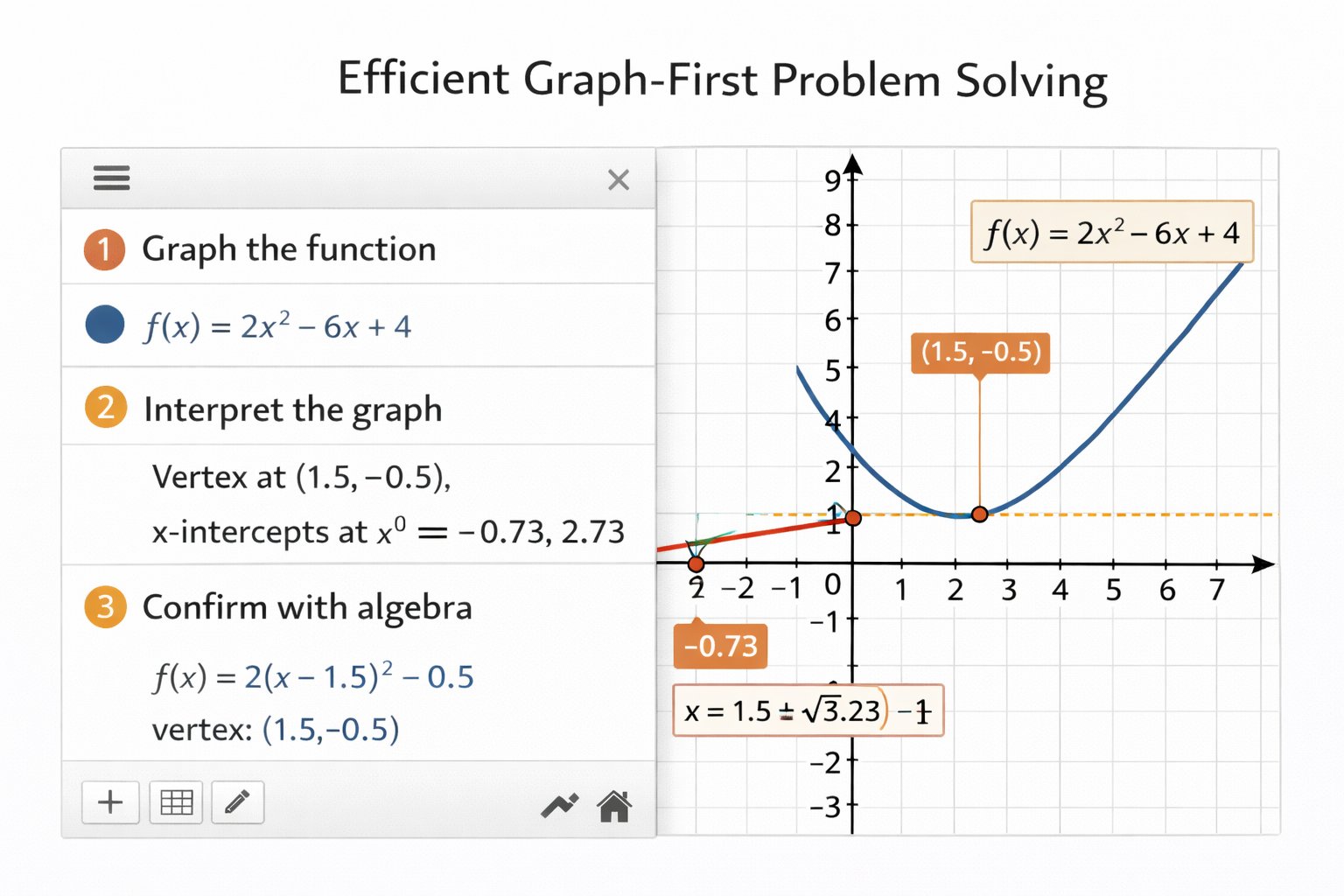
#8 Efficient Graph-First Problem Solving

  • Graph equations before manipulating algebraically.
  • Verify conditions visually to avoid errors.
Solving equations using Desmos